LiDAR · Apple RoomPlan · iOS 16+

Your home,
precisely
measured.

Point your iPhone at any room. Walk around. Get a professional 2D floor plan and 3D model in under 5 minutes — accurate to the centimetre.

0
min per room
0
door types
PDF
+ USDZ 3D
📱
Hero Screenshot
Best App Store screenshot showing floor plan canvas or scan in progress.

Ideal: 390×844px PNG (iPhone 15 Pro ratio). Use a device frame mockup.
<img src="assets/hero-screenshot.png" alt="iHomeMap floor plan">
Latest scan
Living Room
342 sq ft · 4 walls detected
Live scan animation
Point. Walk. Done.
Scroll to watch iHomeMap detect your room in real-time
Everything you need.
Nothing you don't.
📐

LiDAR Precision

Uses Apple RoomPlan + LiDAR to detect walls, doors, windows, and furniture to centimetre accuracy in real-time.

✏️

Manual Correction

Tap any element to fine-tune: adjust wall lengths, flip door swing directions, or choose from 7 door types including sliding, folding, and revolving.

📄

PDF Export

Professional multi-page PDFs: labelled rooms, dimension lines, north arrow, scale bar, and your property's full address header.

🧊

3D USDZ Model

Every scan generates a USDZ 3D model for AR preview via QuickLook — share it or open on any Apple device instantly.

🏠

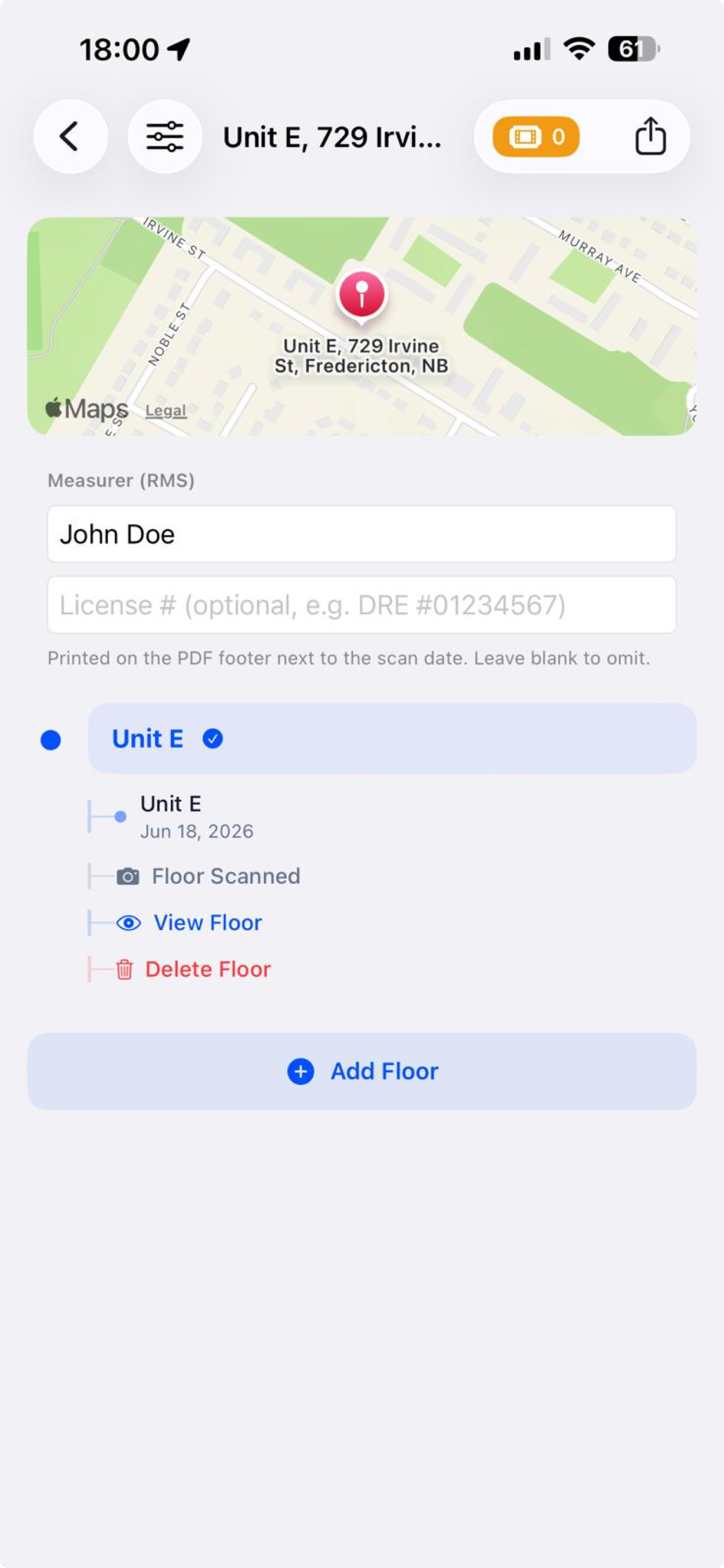
Multi-Floor Properties

Organise by property → floor → room. Build a complete picture of any multi-storey home across multiple sessions.

🎟️

Free to Scan, $4.99 to Export

Scanning and correction are always free. Pay $4.99 CAD per PDF export — no subscriptions, no bundles, no surprises.
Built for two types of people.
Perfect for both.
🏡

Homeowners & Renters

Document your space for insurance, renovation planning, or moving day — without hiring a surveyor.

  • Map every room in under 5 minutes
  • Know exact dimensions instantly
  • Export PDF for contractors or movers
  • Archive your home layout digitally
🏢

Real Estate Agents & Landlords

Scan listings on-site, attach professional floor plans to MLS listings, and close faster.

  • Scan before or during showings
  • PDF floor plans ready for listings
  • 3D USDZ for virtual walkthroughs
  • Credit packs scale with your volume
Four steps from scan to export.
📱 App home screen
→ src="assets/step-1.png"
01

Create a Property

Add your address and number of floors. Takes 30 seconds.

📱 Live scan with LiDAR overlay
→ src="assets/step-2.png"
02

Scan Your Room

Walk slowly around the room. RoomPlan detects everything in real-time.

📱 Correction canvas
→ src="assets/step-3.png"
03

Review & Correct

Tap any element to fine-tune dimensions or door types.

📱 PDF preview / export
→ src="assets/step-4.png"
04

Export PDF

Use 1 credit to generate a professional PDF. Share via AirDrop or email.

See a full scan in 90 seconds.
Demo Video — Drop In Here
<!-- Option 1: Local video -->
<video src="assets/demo.mp4" controls poster="assets/demo-poster.jpg"></video>

<!-- Option 2: YouTube embed -->
<iframe src="https://youtube.com/embed/YOUR_ID" allowfullscreen></iframe>
Simple, transparent
pricing.
Free
$0 CAD
Unlimited scanning & correction
  • Unlimited LiDAR scans
  • Full manual correction tools
  • 3D USDZ model preview
  • Multi-floor property manager
Download Free
Enterprise
Custom
pricing.
For agencies, brokerages & landlords with high-volume scan needs
  • Volume export credits
  • Priority support
  • Custom billing & invoicing
  • Team account management
Contact Us →
What's live. What's next.
✓ Live

v1 — Core Scan & Export

LiDAR scanning, floor plan correction, 7 door types (swing, sliding, folding, revolving, double swing, shutter, patio), PDF & USDZ export, multi-floor property management, and StoreKit credit system.

R2 · Coming

Scan-Time Photo & Video Capture

Capture reference photos during LiDAR scans so you can visually verify room details and catch elements RoomPlan missed — doors behind furniture, shower enclosures, stairs.

R2 · Coming

AI Auto-Correction

Core ML models that automatically detect and fix common scan defects — missed elements, misclassified furniture, incorrect wall angles — trained on real scan data.

Common questions.
iHomeMap requires an iPhone or iPad with a LiDAR Scanner running iOS 16 or later. LiDAR is available on: iPhone 12 Pro, 13 Pro, 14 Pro, 15 Pro (all variants), iPad Pro (2020 and later). Standard iPhone models do not have LiDAR and are not supported for scanning.
Yes — scanning and manual correction are completely free with no limits. Credits are only required when you export a floor plan as a PDF. The 3D USDZ model preview inside the app is always free.
Each PDF export costs $4.99 CAD, purchased directly through the App Store as an in-app purchase. There are no subscriptions or bundles — you pay per export, only when you need one. For high-volume needs, contact us about enterprise pricing.
iHomeMap uses Apple's RoomPlan framework which is accurate to within a few centimetres on most surfaces. Accuracy can be reduced by highly reflective surfaces (mirrors, glass), very dark rooms, or rooms smaller than ~2m × 2m. The manual correction tools let you fine-tune any measurement after scanning.
Yes. Create a property, add as many floors as needed, then scan each room within each floor. Each floor's scans are combined into a single PDF export. You use one credit per floor-level PDF export.
All scan data is stored locally on your device using iOS secure storage. Nothing is uploaded to external servers. Your floor plan data stays private on your phone.